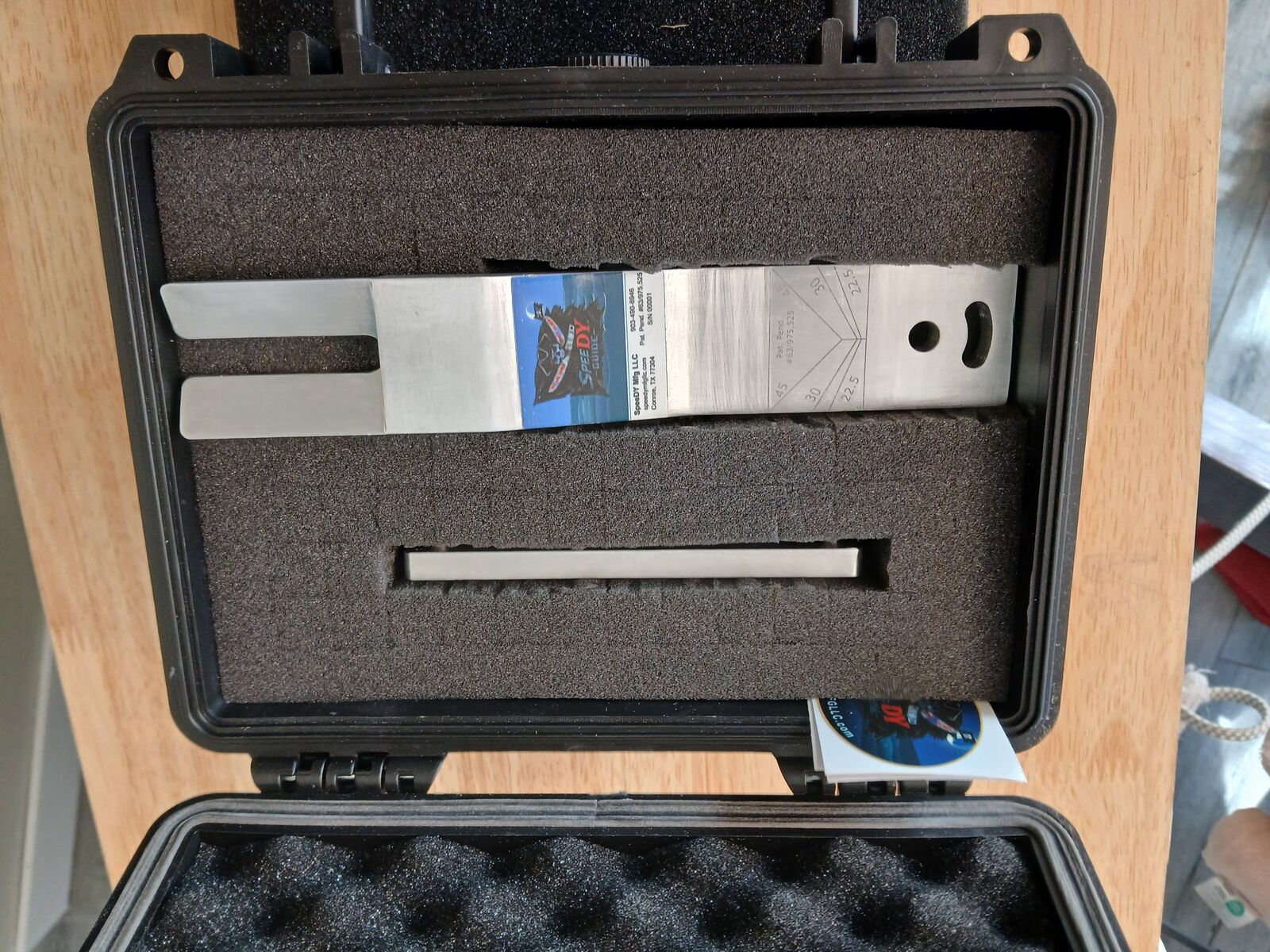
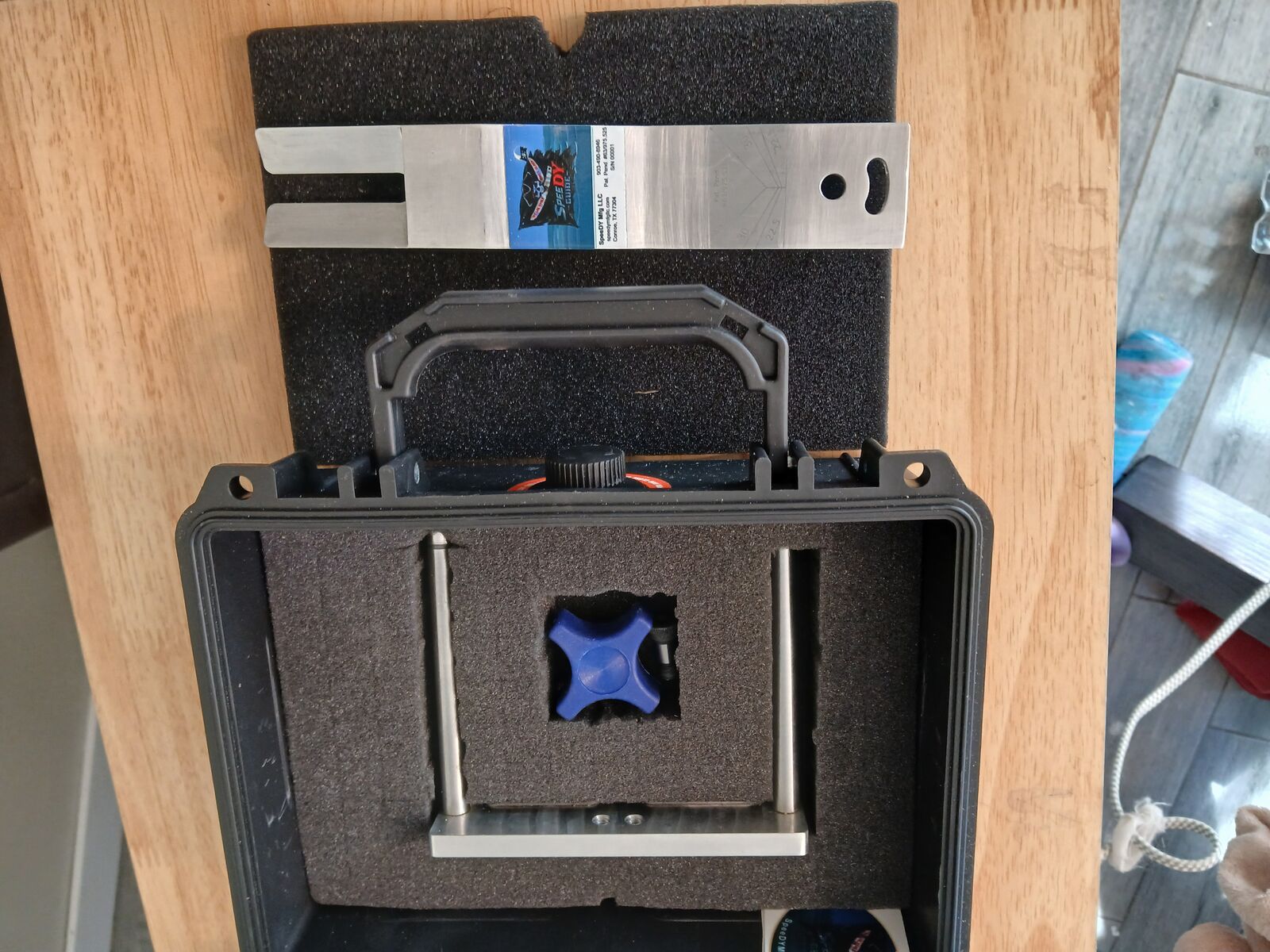
SpeeDY Guide Setup

Step-by-step installation for mounting the SpeeDY Guide to the Ridgid 460 portable bandsaw stand.

Follow the sequence below to install your SpeeDY Guide. Total setup time is typically under five minutes once parts are on hand. No modification of the Ridgid 460 saw is required.

Parts Included

Pivot Bar 1
Vise Bar 1
Shoulder Bolt 1
4-Arm Knob 1
Step 01

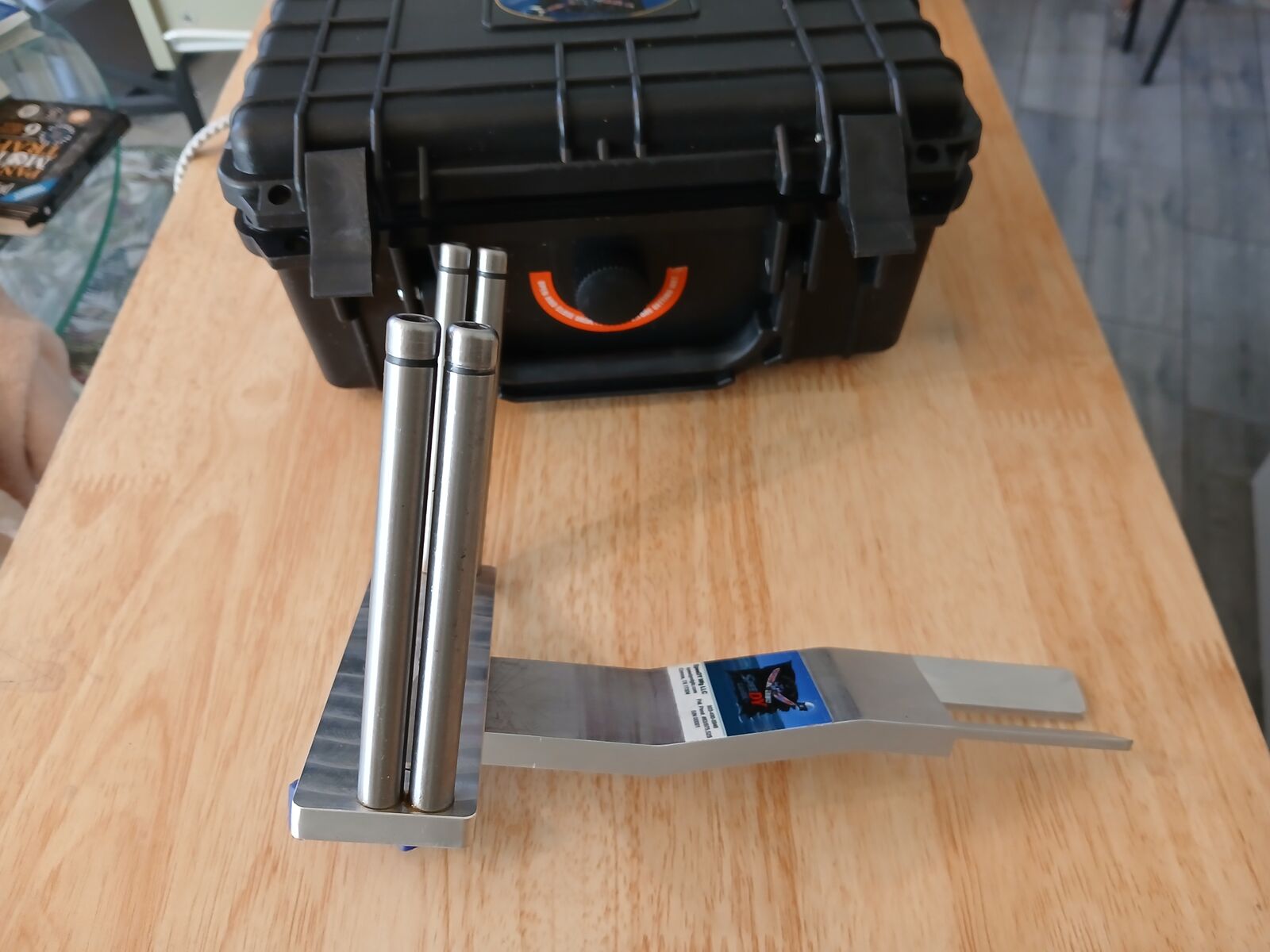
Attach Pivot Bar to Vise Bar

Insert the shoulder bolt through the Pivot Bar into the Vise Bar. Hand-tighten only. The bearing surface is the shoulder of the bolt, not the head — do not over-torque.

NOTE — The shoulder provides a precise rotational axis. Over-tightening binds the joint and destroys angle repeatability.
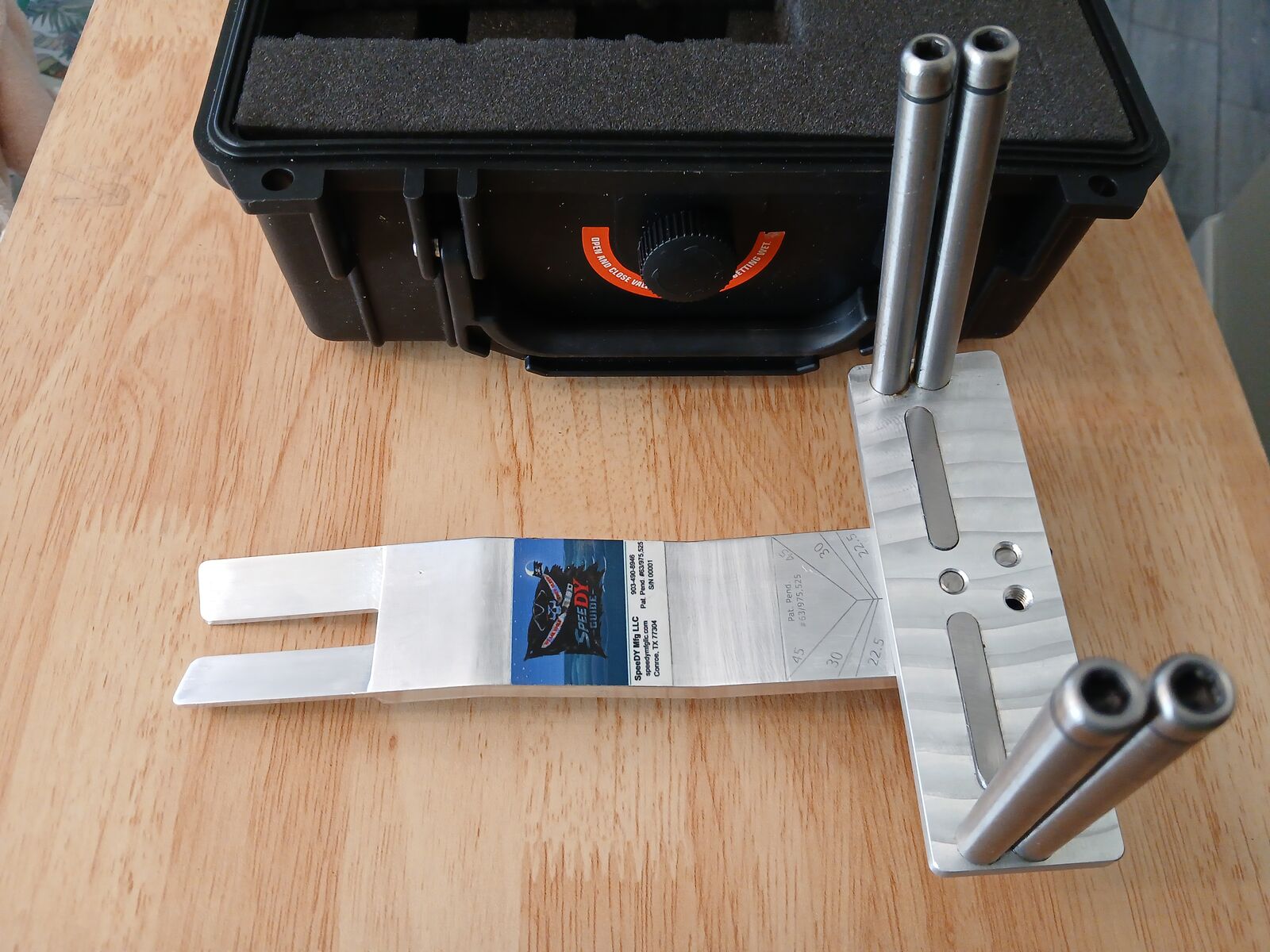
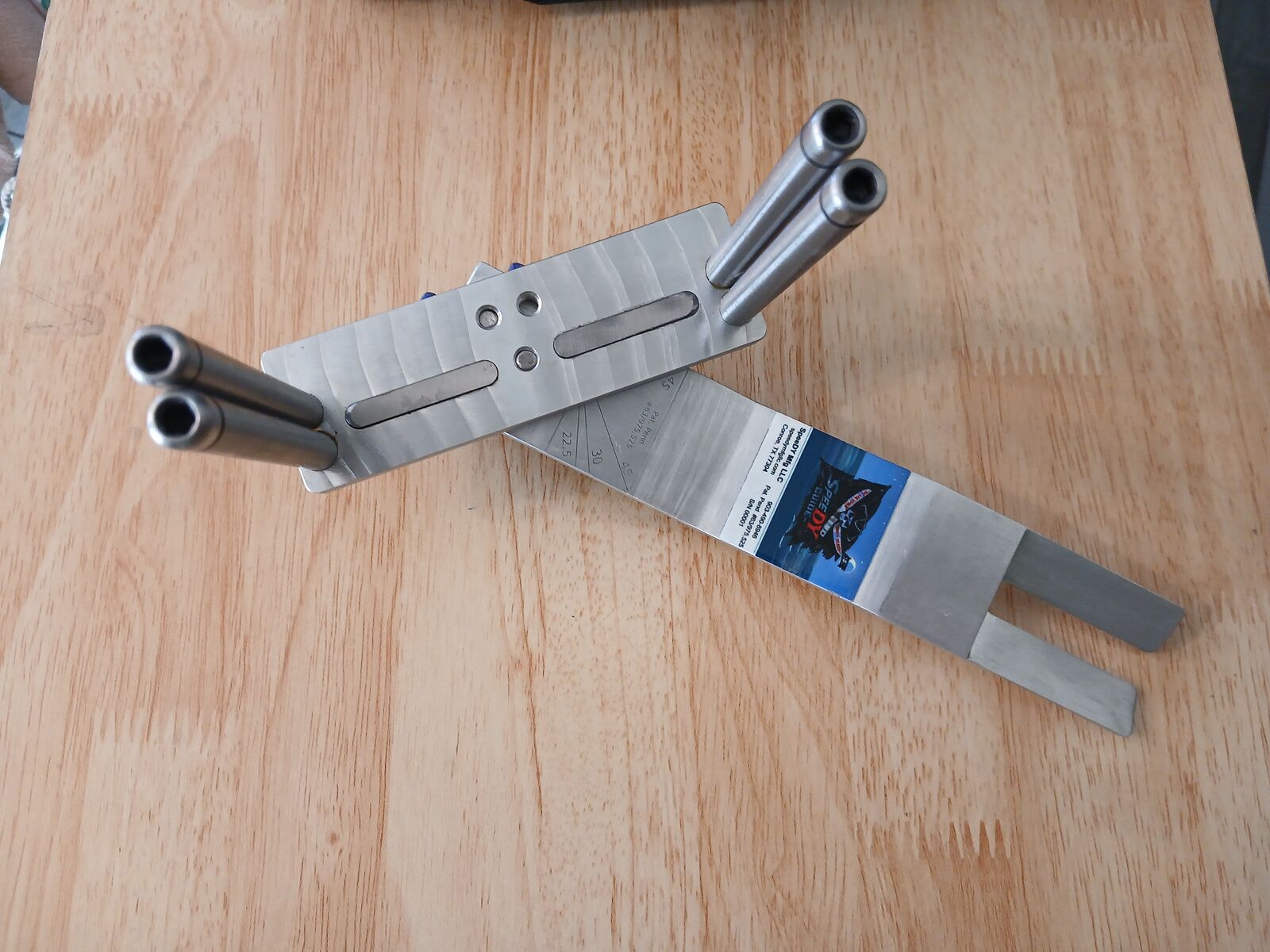
Attaching the Pivot Bar to the Vise Bar
Step 02

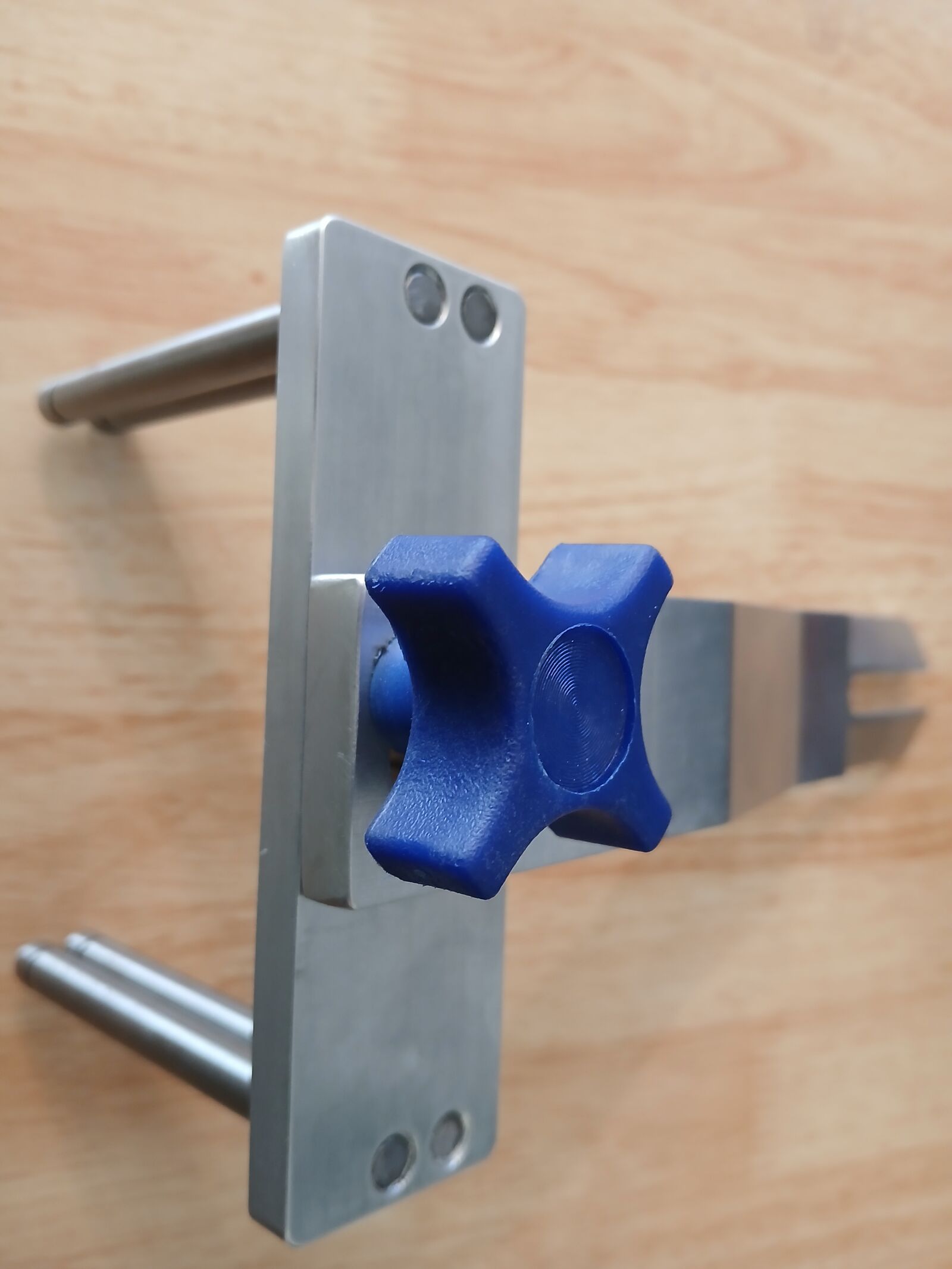
Set Cut Angle — Lock With 4-Arm Knob

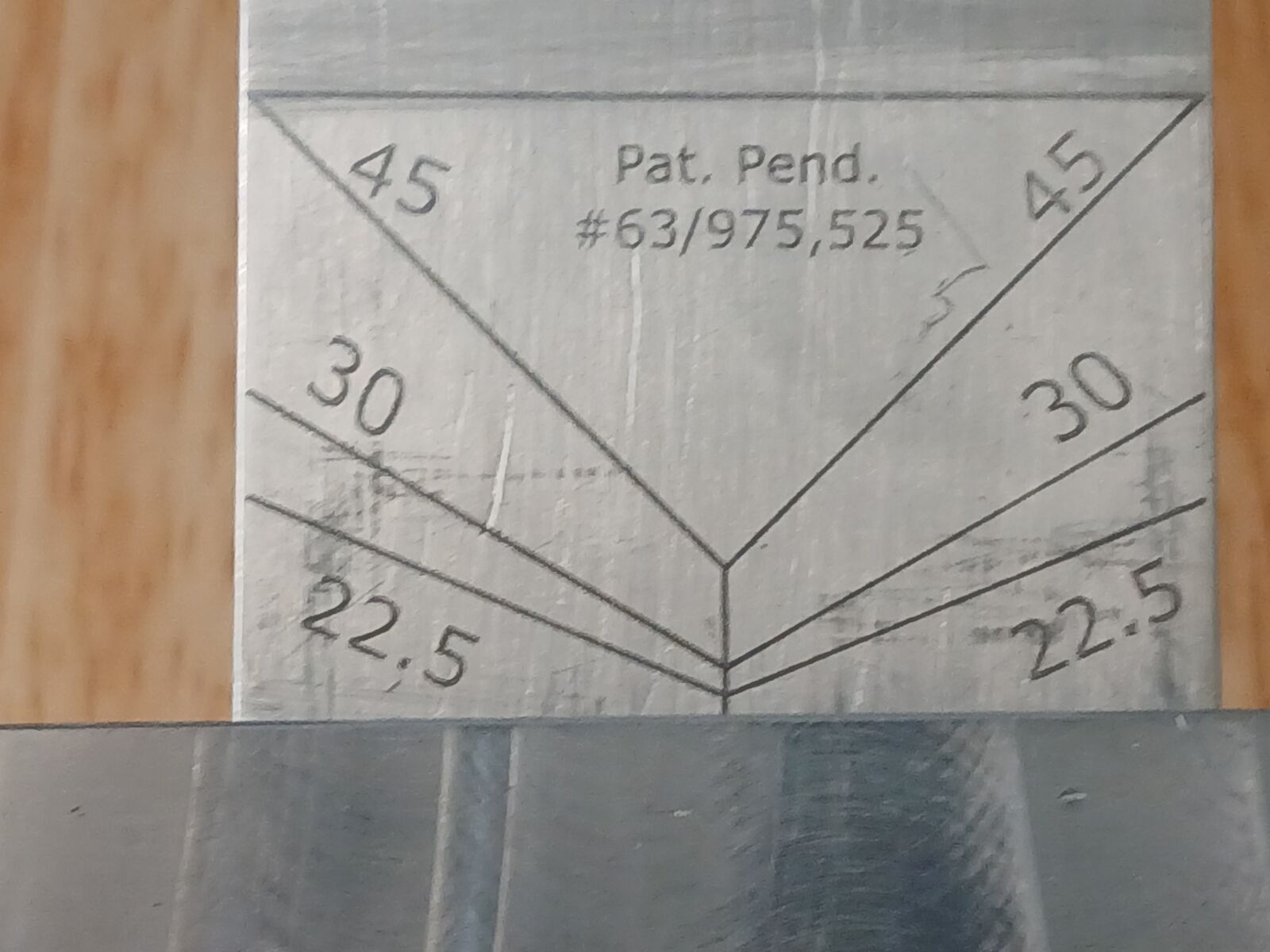
Rotate the Pivot Bar to the desired cut angle. Two index holes are provided for 0°–45° left and right. Seat the 4-Arm Knob in the appropriate hole and tighten firmly.

NOTE — Verify the knob is fully seated before cutting. A partially engaged knob will allow the Pivot Bar to drift under blade load.
Setting cut angle and locking with the 4-Arm Knob
Step 02 · Detail

Confirm Angle Lock

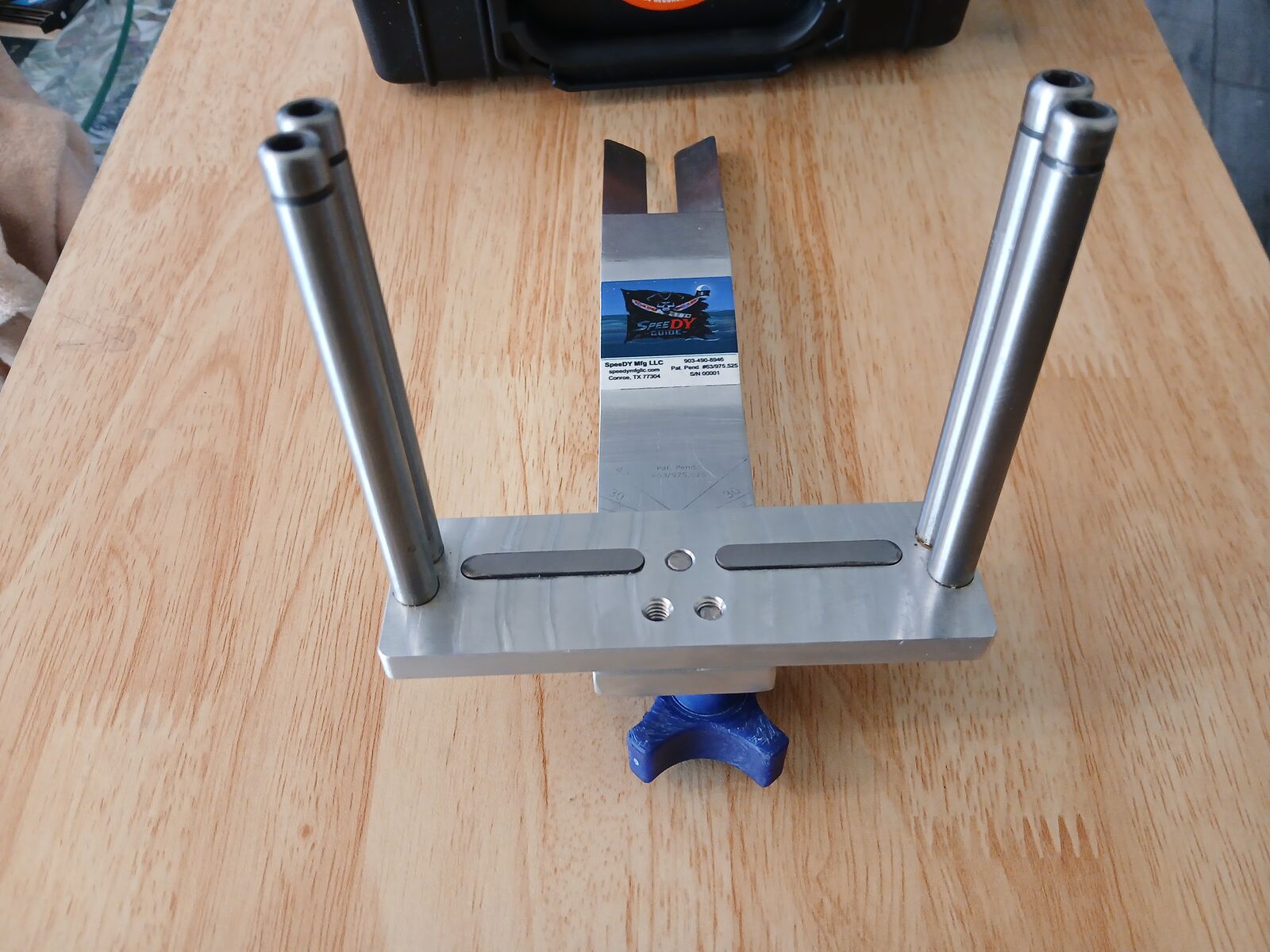
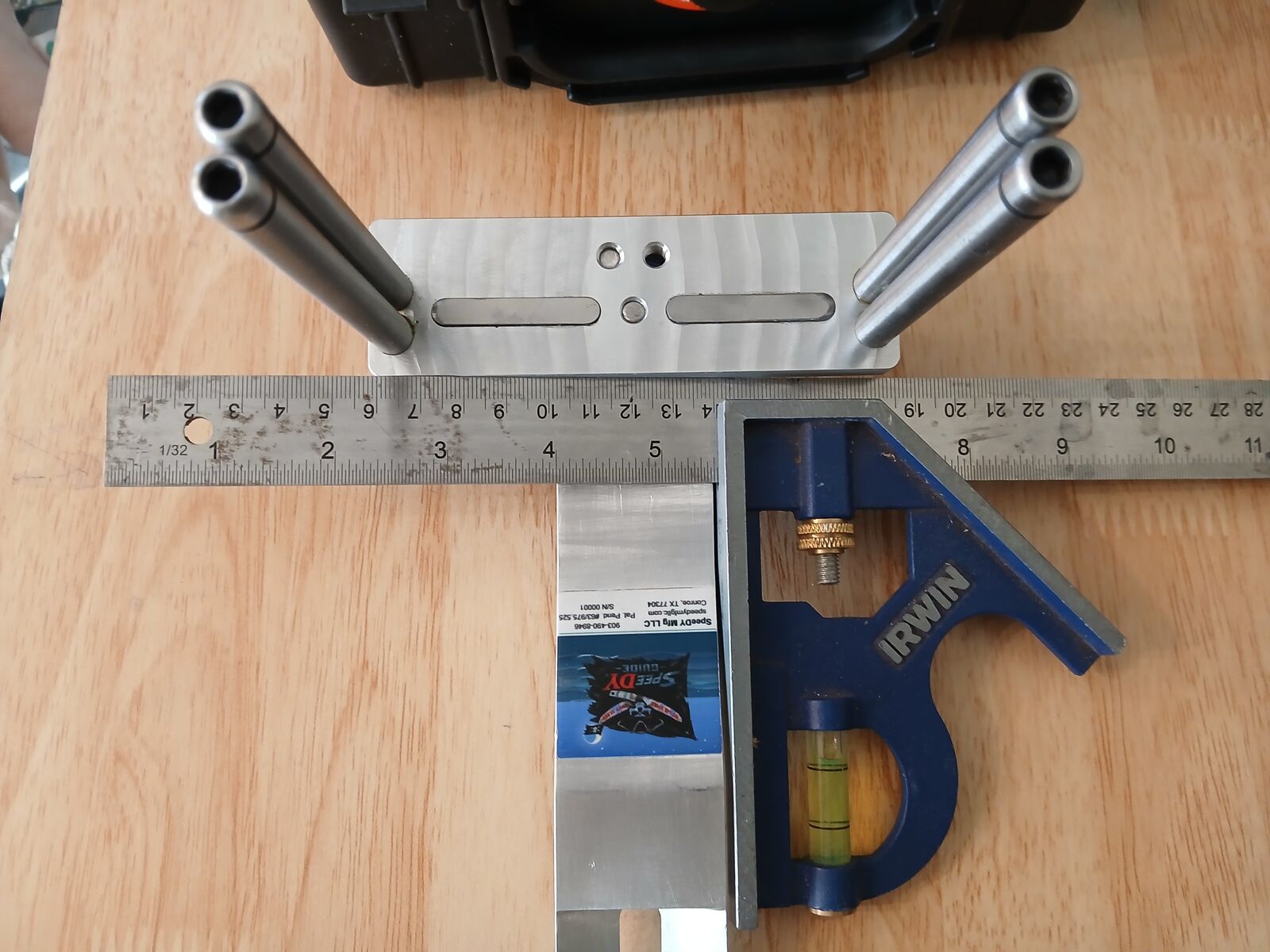
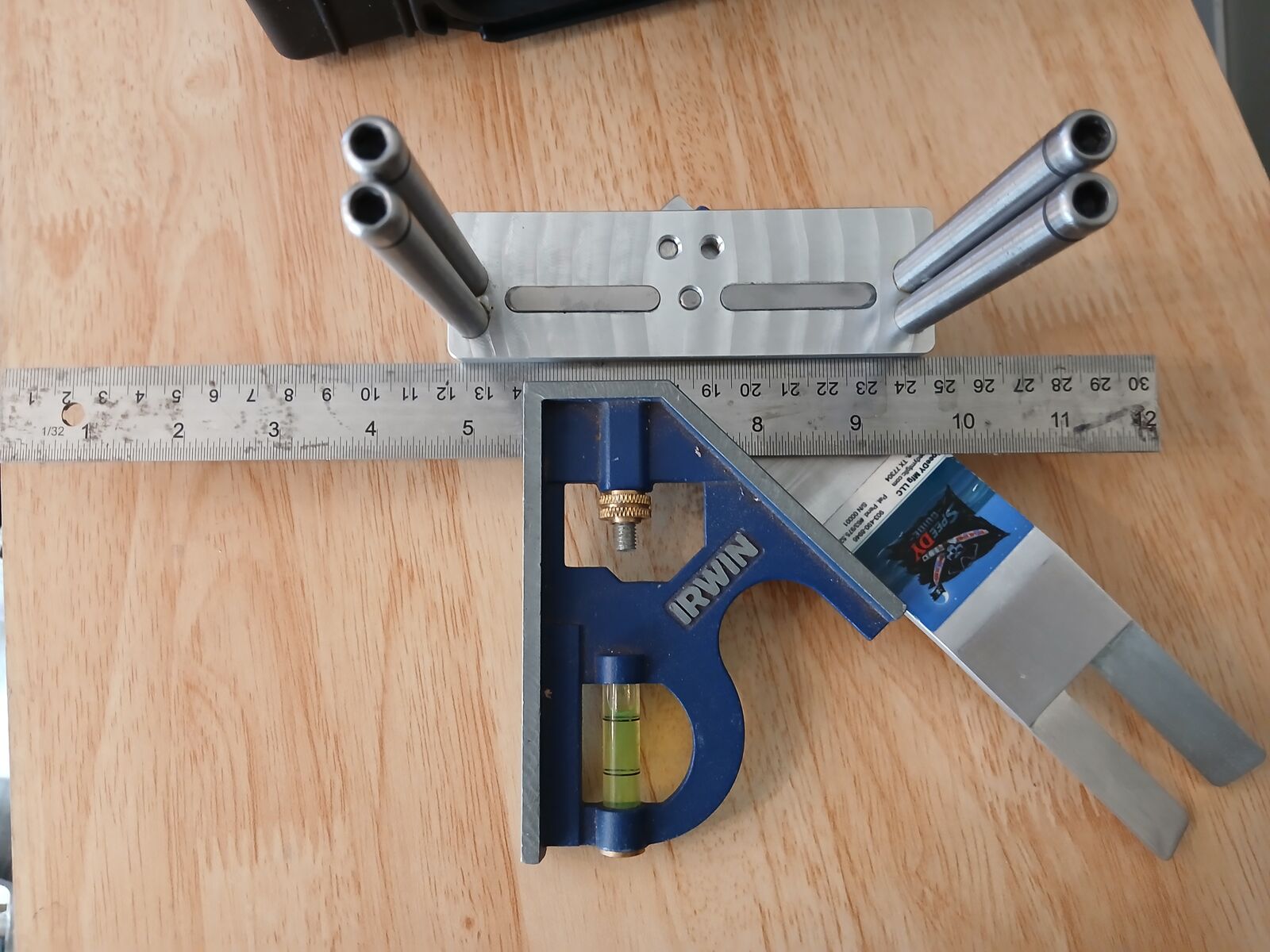
Work the Pivot Bar through a full range before cutting. It should rotate cleanly without binding, then come to a hard, repeatable stop once the 4-Arm Knob is engaged.

4-Arm Knob fully engaged and locked
Step 03

Loosen Jaw Screws on Ridgid 460

Locate the two 5/16"-18 × 2" vise jaw screws on the Ridgid 460 portable band saw stand (Ref. 15 in the Ridgid parts diagram). Back each screw out roughly 1/8" — just enough to provide clearance for the SpeeDY Guide V-tabs to slide under the jaws.

NOTE — Do not remove the screws. 1/8" of clearance is sufficient. Full removal is unnecessary and risks losing hardware in the shop.
Photo pending
from manufacturer
Step 04

Slide V-Tabs Under Vise Jaws

With the jaw screws loosened, slide the SpeeDY Guide's V-tabs underneath the Ridgid 460 vise jaws. The V-geometry self-registers against the jaw profile — no measuring or marking required.

NOTE — The V-tab design provides automatic alignment. If the guide does not seat flat and flush, check that the jaw screws were backed out evenly in Step 3.
Photo pending
from manufacturer
Step 05

Retighten Jaw Screws to Lock Guide

Retighten both jaw screws firmly to clamp the SpeeDY Guide in place. Confirm the guide does not shift under hand pressure before making your first cut.

NOTE — Retightening the Ridgid jaw screws is what locks the guide to the saw. The V-tabs provide registration; the jaw screws provide the clamping force.
Photo pending
from manufacturer

⚠ Before Every Cut

Retighten jaw screws fully before every cut. A loose guide will deflect under load.

Field Reference

Questions About Setup?

Contact us for support, replacement parts, or to report a setup issue.